
ASUS ZenScreen MB16AC Review
The Portable Monitor That Turns Travel Into a Functional Workspace
Working from a laptop while travelling sounds simple in theory.
In reality, small screens, bad posture, and constant tab switching quickly make work slower and more tiring.
After testing different portable setups, a portable monitor became one of the most useful tools for working while travelling.
The ASUS ZenScreen MB16AC is one of the most popular portable monitors for remote workers, travellers, and digital nomads, so in this review we’ll look at whether it is actually worth carrying in your backpack.
This review focuses on real travel and remote work use, not just technical specifications.
Quick Verdict
Best for:
- Remote workers who travel often
- Digital nomads
- People who work from cafés or co-working spaces
- Writers, programmers, marketers, students
- Anyone who wants a portable dual-screen setup
- People building a work-from-anywhere setup
Not ideal for:
- People who don’t work while travelling
- Users who need very high colour accuracy (professional photo/video editing)
- People looking for the cheapest portable monitor
- Outdoor use in very bright sunlight
- Gamers (not designed for gaming performance)
Bottom line: It’s not just a second screen — it’s portable infrastructure for working from anywhere.
first impressions
The first thing you notice about the ASUS ZenScreen is how thin and light it is.
It feels more like carrying a tablet or a notebook than carrying a monitor.
It comes with:
- The monitor
- A USB-C cable
- Protective cover (which also works as a stand)
- Pen for stand support
- Carry sleeve (in some versions)
The build quality feels solid without being heavy, which is important for travel gear that is constantly packed and unpacked.
Design and Portability
Size and Weight
This is one of the man reasons people choose this monitor.
- Screen size: 15.6”
- Very slim profile
- Lightweight
- Fits in most laptop compartments
- Easy to carry in a backpack
For travel, weight matters more than most people think.
If something is heavy or bulky, you eventually stop bringing it with you.
This monitor is light enough to become part of a standard travel setup.
Real World Performance
Protective Cover and Stand
The monitor comes with a magnetic cover that folds into a stand.
This is very useful because:
- You don’t need to carry a separate stand
- Setup is quick
- It protects the screen inside your bag
The stand is not extremely adjustable, but it works well for most desk and table setups.
There is also a small hole where you can insert the included pen and use it as a stand support, which is a simple but clever solution.
Setup and Connectivity
One of the best things about this monitor is how simple the setup is.
Single Cable Setup
The monitor connects via USB-C, which means:
- Power
- Video
- Audio
All through one cable.
This is very important when working in:
- Cafés
- Airports
- Hotels
- Co-working spaces
- Airbnbs
Less cables = less friction = faster setup.
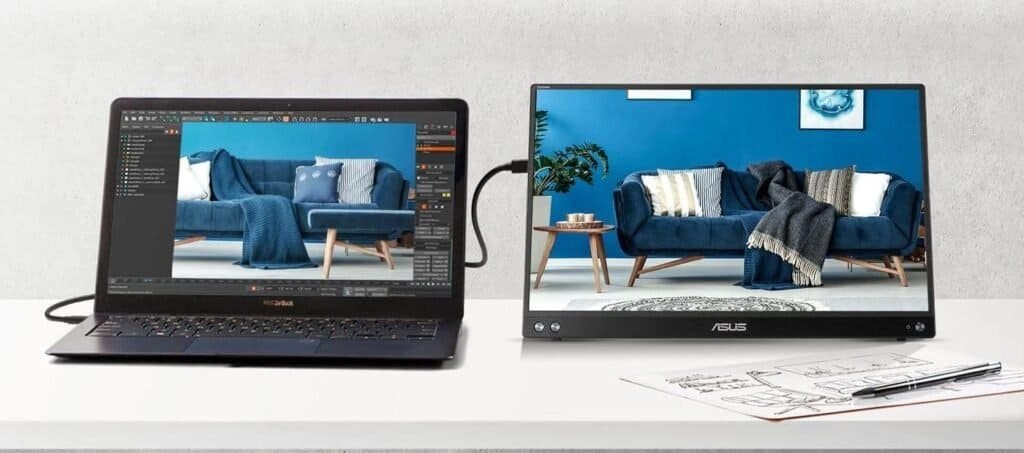
You basically plug it into your laptop and it works like a second screen immediately.
Real Use While Travelling
This is where portable monitors either become essential or useless.
In real travel situations, the ZenScreen works very well for:
- Writing
- Emails
- Spreadsheets
- Research + writing side by side
- Video calls + notes
- Photo editing
- Website management
- Content creation
- Coding
- Online study
A second screen allows you to:
- Keep email open on one screen
- Work on documents on the other
- Have reference material visible
- Join video calls without losing your workspace
This makes work sessions much more comfortable and efficient.
Pros and Cons
Pros
- Lightweight and very portable
- Slim design
- Single USB-C cable setup
- Good screen size for productivity
- Protective cover included
- Reliable brand and build quality
- Great for remote work and travel setups
- Fits easily in backpacks and laptop sleeves
Cons
- More expensive than budget portable monitors
- Brightness is good but not ideal for very bright outdoor environments
- Stand cover has limited angle adjustment
- Not designed for professional colour-grading work
- Requires USB-C compatibility (or adapter for older laptops)
Who This is For
- Remote workers
- Digital nomads
- Students
- Freelancers
- Writers
- Designers
- Programmers
- People who work while travelling
- People who work from cafés often
- People who want a portable second screen
It is especially useful for people building a portable work setup.
Skip it iff:
- You only work occasionally on your laptop
- You never work while travelling
- You only use one window at a time
- You already work mostly from a fixed desk setup
- You need very high colour accuracy for professional photo/video work
How it Compares to Alternatives
The ASUS ZenScreen MB16AC sits in the middle between premium lightweight options and more affordable portable monitors, making it one of the most balanced choices for travel and remote work.
Compared to the Lenovo ThinkVision M14, the ASUS ZenScreen is very similar in screen size and performance, but the Lenovo is slightly lighter and has a more adjustable built-in stand. The ZenScreen, however, is often easier to find, slightly more affordable in some markets, and still extremely portable.
You can read the full comparison in our Lenovo ThinkVision M14 review.
Compared to the ARZOPA Portable Monitor, the ASUS ZenScreen has better build quality, a more reliable brand reputation, and a more refined travel design. The ARZOPA is a good budget option if you want a second screen for occasional use, but the ZenScreen is generally the better choice if you travel frequently and need something durable and lightweight.
You can read more in our ARZOPA Portable Monitor review.
Quick Comparison Summary
| Monitor | Best For |
|---|---|
| ASUS ZenScreen MB16AC | Best overall balance for travel and remote work |
| Lenovo ThinkVision M14 | Best lightweight premium option |
| ARZOPA Portable Monitor | Best budget option |
If you travel and work regularly, the ASUS ZenScreen is usually the most balanced option between portability, build quality, and price.
Travel Setup Example
A very practical portable work setup could be:
- Laptop
- ASUS ZenScreen portable monitor
- Foldable laptop stand
- Small mouse
- Electronics organiser
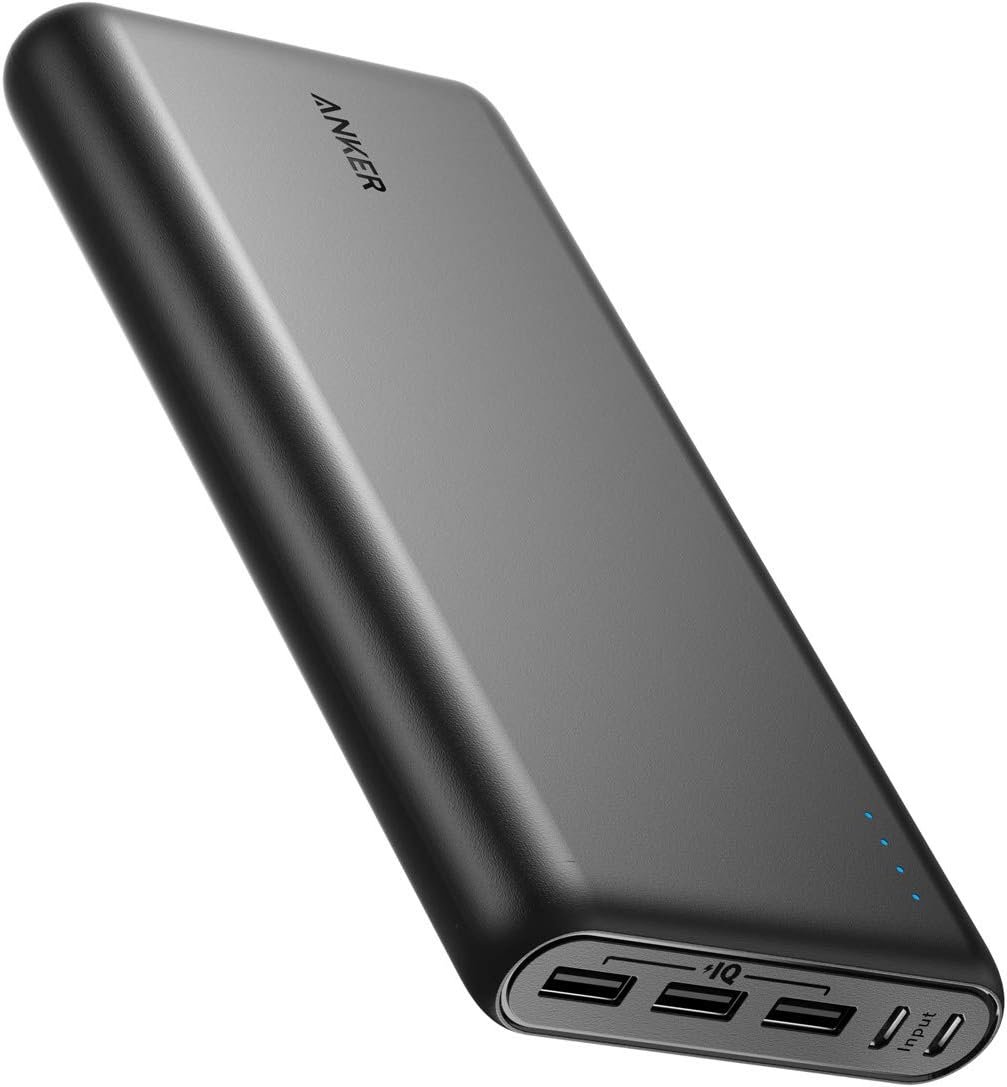
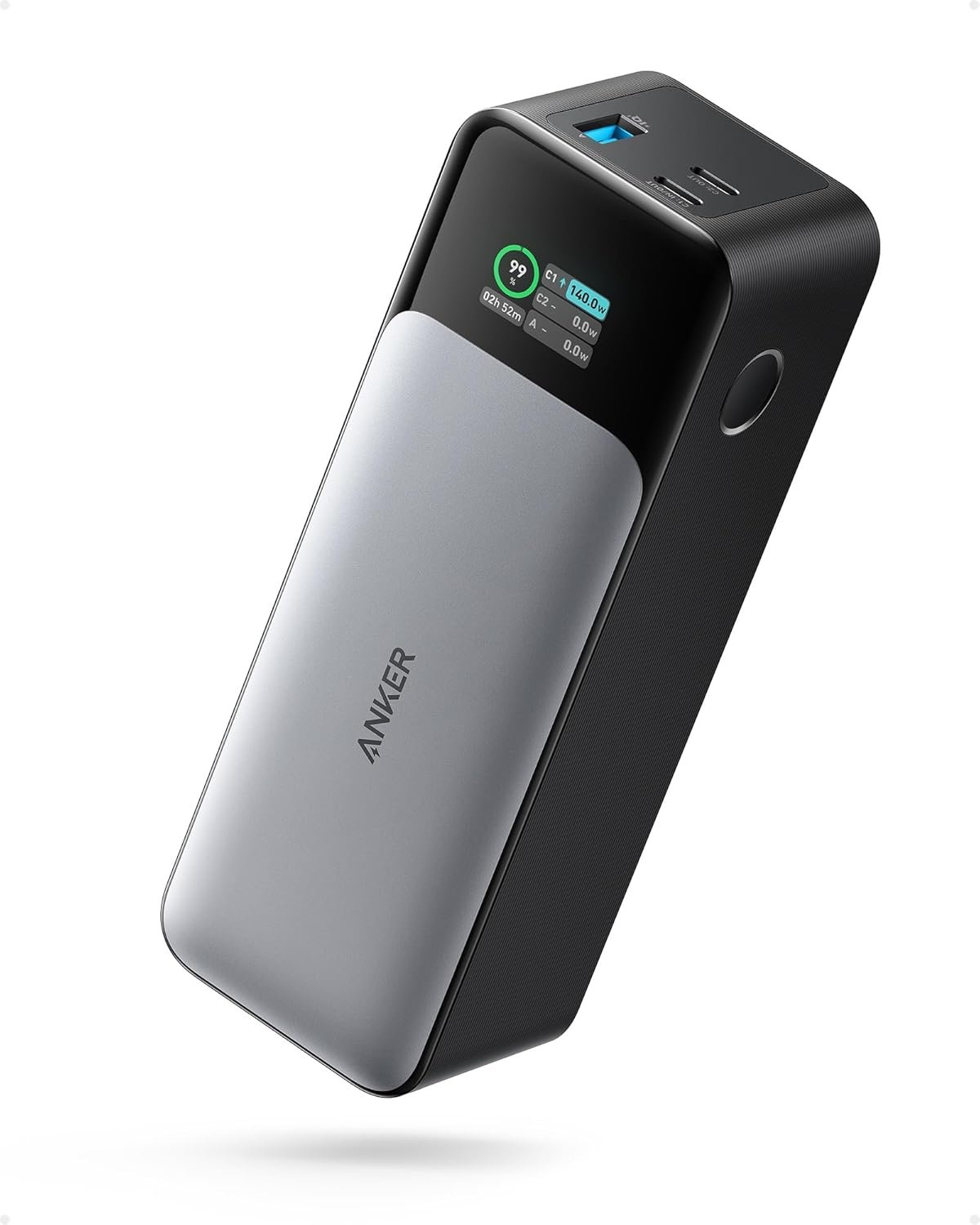
- Power bank
- Travel extension cord
- Travel router
With this setup, you can build a functional workspace in:
- Airbnbs
- Hotels
- Hostels
- Cafés
- Airports
- Co-working spaces
This is what I call portable infrastructure — your workspace is not a place, it’s a system you carry with you.
Is It Worth It?
If you work remotely or travel often and still need to work, a portable monitor can be one of the biggest upgrades you can make to your setup.
The ASUS ZenScreen is not the cheapest option, but it is:
- Reliable
- Portable
- Easy to use
- Well built
- Very practical for travel
For many people, it becomes part of their standard setup once they start using it.
Not because it is fancy, but because it makes working while travelling much easier and more comfortable.
Final Verdict
The ASUS ZenScreen MB16AC is one of the best portable monitors for travel and remote work because it balances:
- Portability
- Screen size
- Build quality
- Ease of setup
- Reliability
If you are building a work-from-anywhere setup, this is one of the most useful tools you can add to your system.
Remote work becomes much easier when your setup is portable, simple, and repeatable.
And a portable monitor is a big step in that direction.
Check current price on Amazon
If you’re building a portable work setup, I also recommend looking into:
- Power banks
- Travel routers
- Laptop stands
- Electronics organisers
- Noise-cancelling headphones
These small tools together make working while travelling much more comfortable and sustainable.
- if you’re unsure how to choose travel tech, read our guide Best Tech to Design a Location-Free Life (The Freedom Infrastructure Kit)
- This product also appears in our Best Portable Monitors for Travel & Remote Work (2026)