
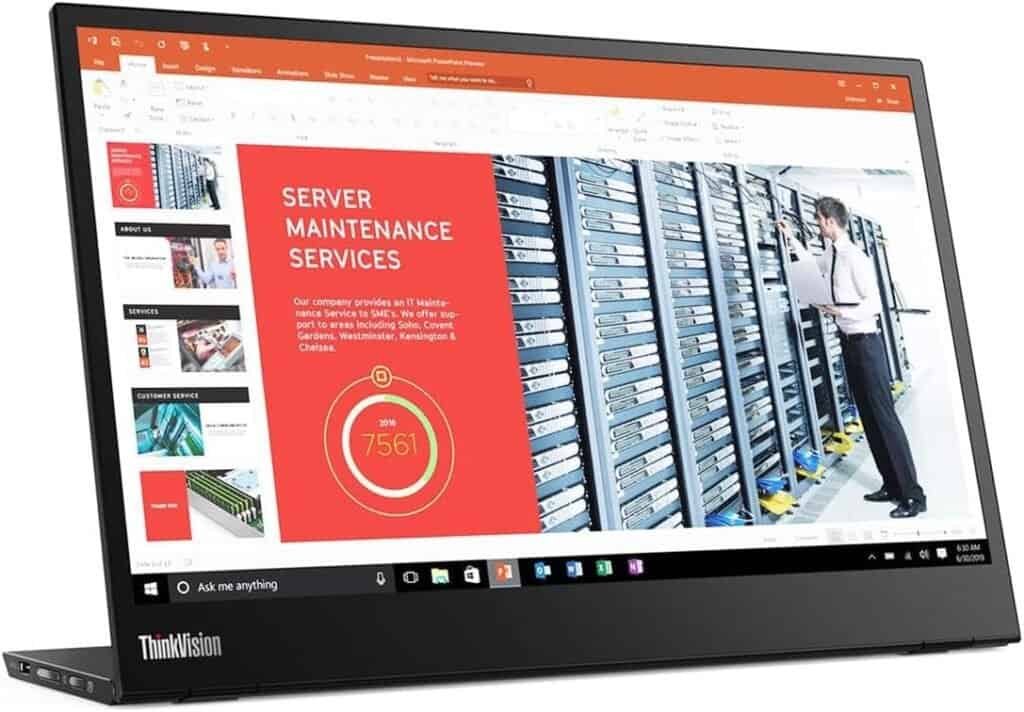
Lenovo ThinkVision M14 Review
One of the Best Lightweight Portable Monitors for Travel and Remote Work
Working remotely while travelling often sounds easier than it actually is.
Small tables, bad chairs, limited plugs, and working long hours on a laptop screen can quickly make work uncomfortable and inefficient.
One of the most useful upgrades for a portable work setup is a second screen, and the Lenovo ThinkVision M14 is one of the most popular portable monitors for people who travel and work at the same time.
This review focuses on real travel and remote work use, not just specifications, to help you decide if this monitor is worth adding to your portable setup.
First Impressions
The first thing you notice about the Lenovo ThinkVision M14 is how light it is.
It feels very minimal, very slim, and clearly designed for portability.
Inside the box you typically get:
- The portable monitor
- USB-C cable
- Protective sleeve
- Documentation
The build quality feels solid and professional, and the built-in stand immediately makes it feel more stable than many portable monitors that rely only on folding covers.
Quick Verdict
- Best for: Remote workers and travellers who want an extremely lightweight second screen for a portable work setup.Best for:
- Not ideal for: Not ideal for people who mostly work from a fixed desk or don’t need a second screen regularly.
- Bottom line: The Lenovo ThinkVision M14 is one of the best portable monitors for travel because it is extremely lightweight, stable, and easy to set up, making it ideal for building a portable work setup.
Design and Portability
Size and Weight
Portability is where this monitor really stands out.
- Screen size: 14”
- Very lightweight
- Very slim
- Easy to fit in a backpack
- Easy to carry together with a laptop
If you travel frequently, weight matters a lot.
The ThinkVision M14 is one of the easiest portable monitors to carry regularly without feeling like you are adding too much to your bag.
This makes it very suitable for:
- Carry-on travel
- Working from cafés
- Moving between locations
- Daily commuting with a laptop
Built-in Stand
One of the best features of this monitor is the built-in adjustable stand.
Compared to monitors that use folding covers:
- It is more stable
- More adjustable
- Easier to position next to your laptop
- Better for small tables
- Better for café setups
This may seem like a small detail, but in real travel situations, a stable stand makes a big difference.
Setup and Connectivity
The Lenovo ThinkVision M14 is designed to be very simple to use.
USB-C Connection
The monitor connects via USB-C, which means:
- Power
- Video
- Audio
All through one cable.
Some models also include power pass-through, which means you can:
- Plug the charger into the monitor
- The monitor powers the laptop
- And the monitor works at the same time
This is very useful when you have limited power outlets, which happens often when travelling.
Setup is usually:
- Plug USB-C cable into laptop
- Plug into monitor
- The second screen turns on automatically
Very simple.
Real Use While Travelling
This monitor works very well in real travel scenarios like:
- Working from cafés
- Working from Airbnbs
- Working from hotel desks
- Co-working spaces
- Airports
- Temporary work setups
A second screen makes it much easier to:
- Write while researching
- Use spreadsheets
- Attend video calls
- Manage multiple windows
- Edit content
- Work on websites
- Study online
- Code
- Manage emails and documents at the same time
For many people, once they start using a second screen, it becomes very difficult to go back to working on only a laptop.
Productivity and Comfort
The biggest benefit of a portable monitor is not the screen itself.
It’s how it changes your workflow.
Instead of constantly:
- Switching tabs
- Resizing windows
- Losing documents
- Looking down at a small screen
You can:
- Keep documents open on one screen
- Work on another
- Keep email visible
- Take notes during calls
- Improve posture by raising your laptop
This reduces mental fatigue and makes longer work sessions much more comfortable.
Pros and Cons
Pros
- Very lightweight and portable
- Slim and minimalist design
- Built-in adjustable stand (very stable)
- USB-C single cable setup
- Power pass-through on some models
- Great for travel and remote work setups
- Reliable brand and build quality
- Easy to pack and carry
Cons
- More expensive than budget portable monitors
- Slightly smaller screen (14”) compared to some 15.6” models
- Not designed for gaming
- Not ideal for professional colour grading work
- Requires USB-C compatible devices
Who This is For
- Remote workers
- Digital nomads
- People who travel frequently
- People who work from cafés
- Students and freelancers
- Minimalist portable setups
- Carry-on only travellers
Not Ideal For:
- People who want the cheapest portable monitor
- People who need a very large screen
- Professional photo/video colour work
- Gaming setups
How it Compares to Alternatives
The Lenovo ThinkVision M14 is best seen as the lightweight, premium travel option among portable monitors.
Compared to the ASUS ZenScreen MB16AC, the Lenovo is lighter and has a much better built-in adjustable stand, which makes it more stable for café and small table setups. The ASUS, however, has a slightly larger screen and is often a bit more affordable, making it a very balanced overall option.
Read the ASUS ZenScreen MB16AC Review here.
Compared to the ARZOPA Portable Monitor, the Lenovo has much better build quality, is significantly lighter, and is more travel-friendly. The ARZOPA is a good budget option for occasional use, but the ThinkVision is better suited for people who travel and work frequently.
Read the ARZOPA Portable Monitor Review here.
Quick comparison summary
| Monitor | Best For |
|---|---|
| Lenovo ThinkVision M14 | Best lightweight premium option |
| ASUS ZenScreen MB16AC | Best overall balance |
| ARZOPA Portable Monitor | Best budget option |
In short, if portability and weight are your top priorities, the Lenovo ThinkVision M14 is one of the best portable monitors you can carry for a work-from-anywhere setup.
Travel Setup Example
A simple portable work setup could be:
- Laptop
- Lenovo ThinkVision M14
- Foldable laptop stand
- Small mouse
- Electronics organiser
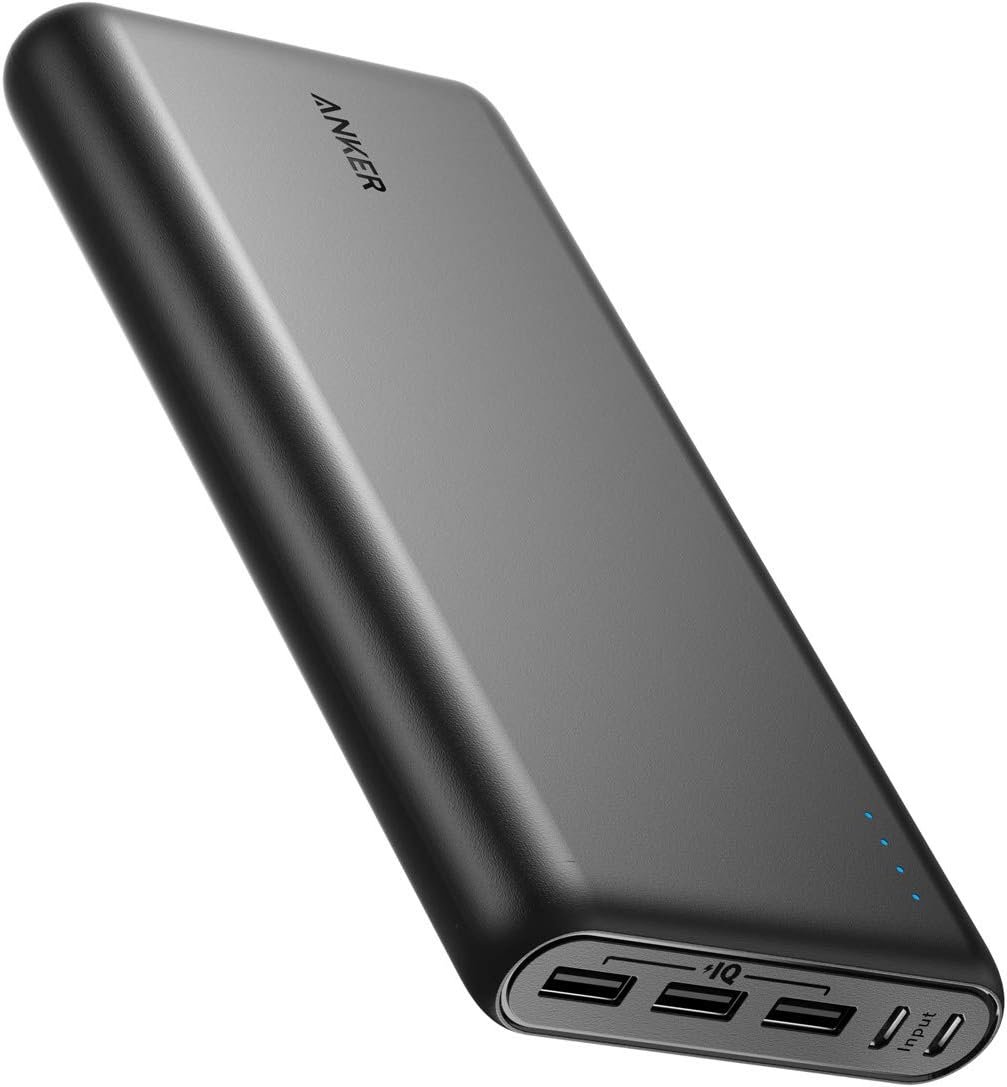
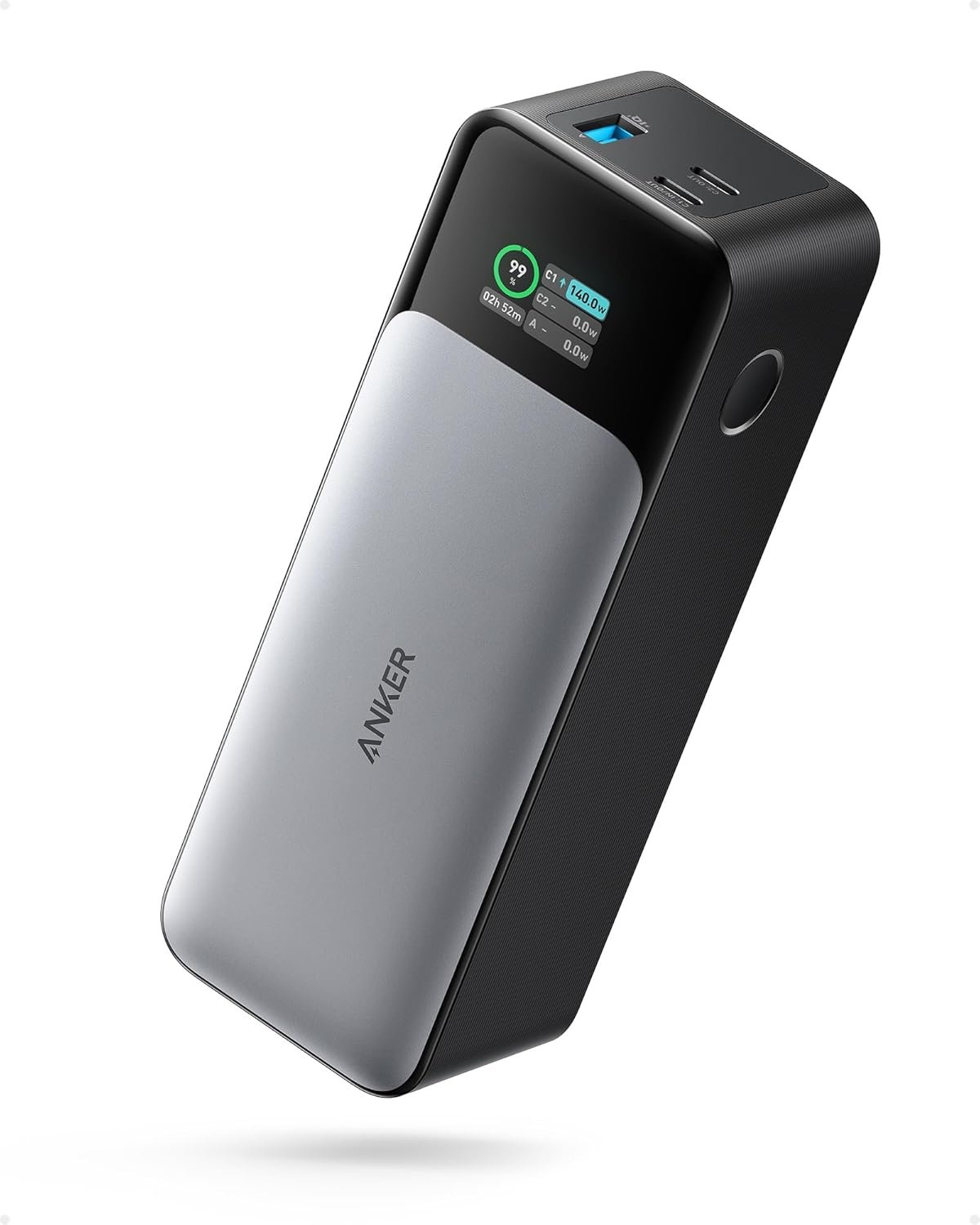
- Power bank
- Travel extension cord
- Travel router
With a setup like this, you can build a functional workspace almost anywhere.
This is what makes remote work sustainable while travelling — not just the location, but the system.
Price and Value for Money
More expensive than budget portable monitors, but the lightweight design, stability, and build quality make it a very good investment for remote workers and frequent travellers.
Final Verdict
The Lenovo ThinkVision M14 is one of the best portable monitors for people who travel and work because it focuses on the most important things:
- Portability
- Stability
- Simple setup
- Lightweight design
- Reliability
It may not be the cheapest option, but for people who move often and work from different places, it is one of the most practical portable monitors available.
A good portable setup doesn’t depend on a specific desk or office.
It depends on tools you can carry with you.
And this monitor fits very well into that idea.
If you’re building a portable work setup, you may also want to look into:
- Power banks for laptops
- Travel routers
- Laptop stands
- Electronics organisers
- Noise-cancelling headphones
- Backpacks for remote work setups
These small tools together make working while travelling much easier and more comfortable.
- if you’re unsure how to choose travel tech, read our guide How to Create a Remote Life (Without Burning Everything Down)
- This product also appears in our Best Portable Monitors for Travel & Remote Work (2026)